
Matrix notifications in Corteza workflows
Notification sending to Matrix can be implemented via Corteza workflows. There are three steps to implement the workflow.

On this page
Notification sending to Matrix can be implemented via Corteza workflows.
Steps to implement the workflow:
- create a Corteza eventbus queue in administration area
- create a new workflow to write message to queue
- implement a workflow to read from queue and send the message via HTTP request
Prerequisites for the Matrix notifications:
- room ID in Matrix
- user access token (preferrably a specific user for notifications
Example of a Matrix notification workflow
The actual exported workflows are at the end of this document.
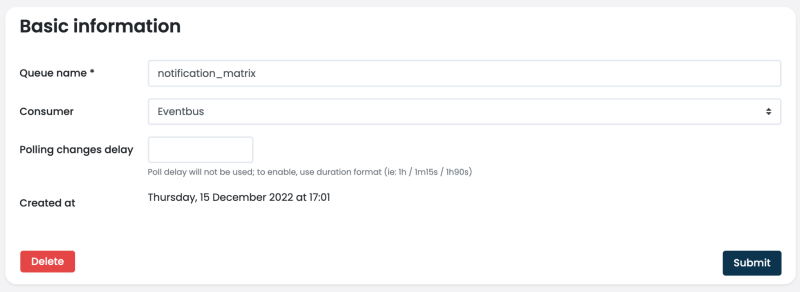
Sending queue
A queue to hold the message data and not block any workflow.
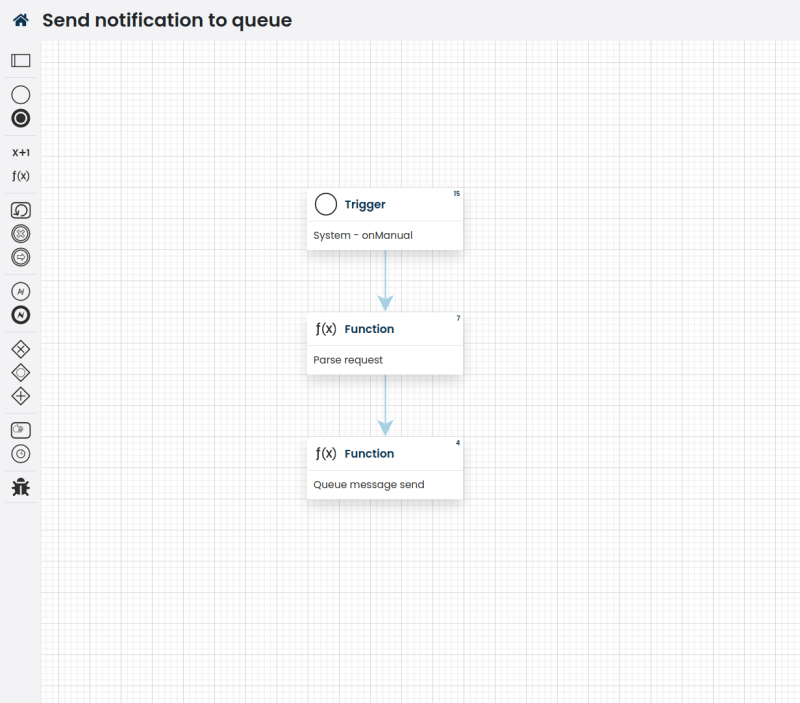
Send notification to queue
Gather the message data and send only the contents to the queue.
Payload
{

   "message": "this can be HTMLas well"

}
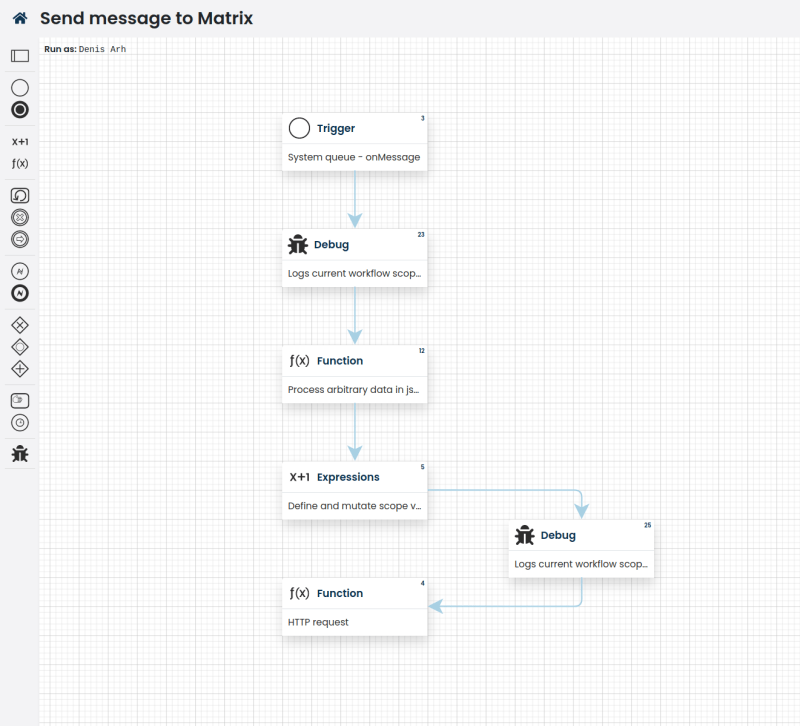
Send message to Matrix
Set any necessary meta for the Matrix messaging (ie, room ID, user access token), fetch the message from queue payload and send it to Matrix via a simple HTTP request.
Sending directly to Matrix
curl -XPOST \

-d '{"msgtype":"org.matrix.custom.html","body":"foobar\n"}' \

${MATRIX_HOST}/_matrix/client/r0/rooms/${MATRIX_ROOM_ID}/send/m.room.message?access_token=${MATRIX_ACCESS_TOKEN}
Workflow: Send notification to queue
https://gist.github.com/katrinDY/079112f240a1d1ee448fbd1618782658
Workflow: Send message to Matrix
https://gist.github.com/katrinDY/3d3efed6511daf7a934e38529e89c18d
