
In the realm of business intelligence, the power of data-driven insights has become a pivotal force in shaping strategic decisions. With this article we take a look at the world of Sales Analytics and Reporting, unraveling the process of building a robust app fueled by AI No-Code technology. Designed to aggregate, visualize, and analyze sales data, this app serves as a versatile tool for businesses seeking efficiency, customization, and actionable insights. From tracking team performance to aligning marketing strategies, it addresses the diverse analytical needs of stakeholders. Join us on a journey through the creation of a Sales Analytics and Reporting App, where innovation meets practicality in the ever-evolving landscape of business technology.
What this App Does:
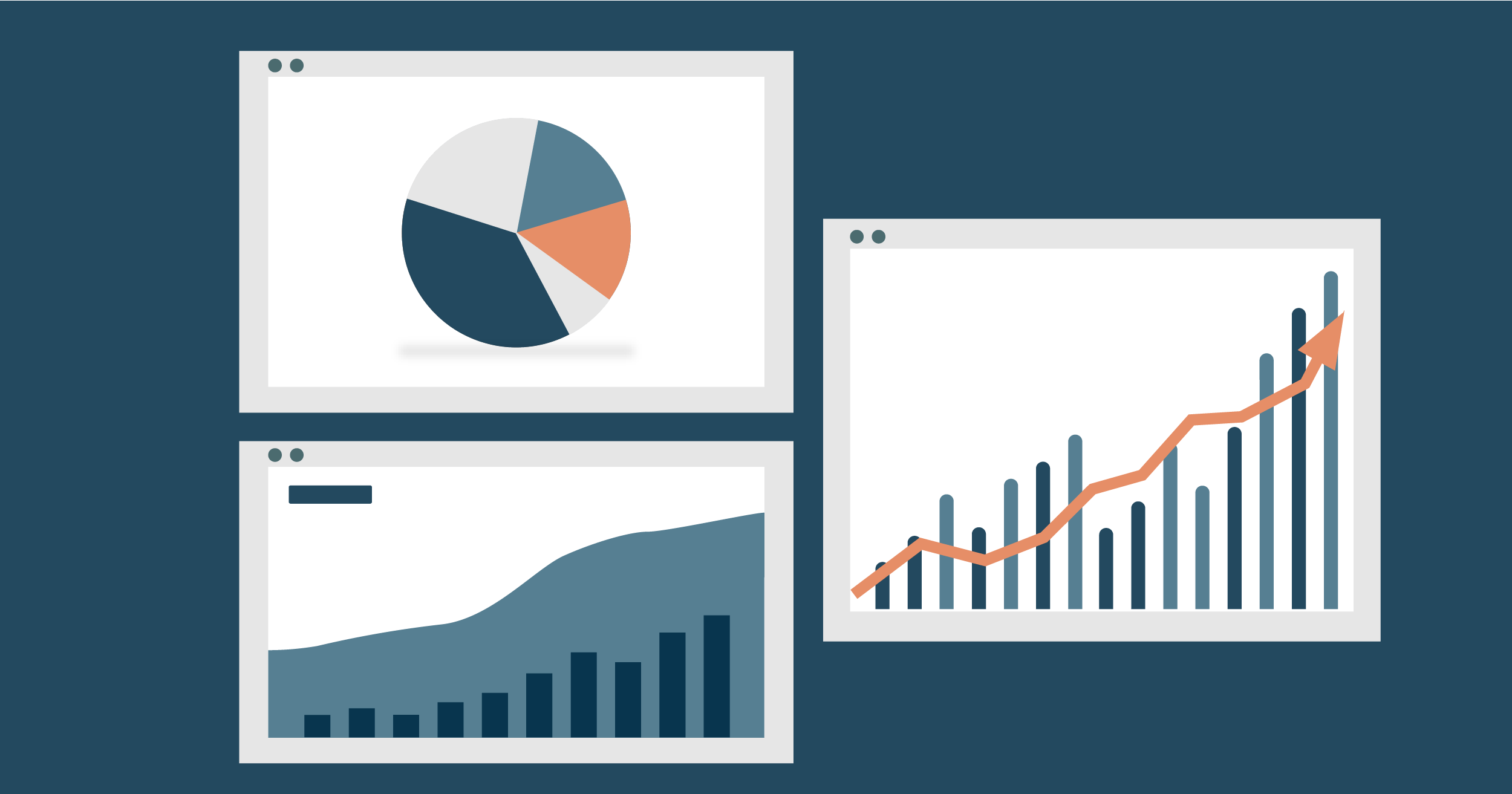
Data Aggregation:
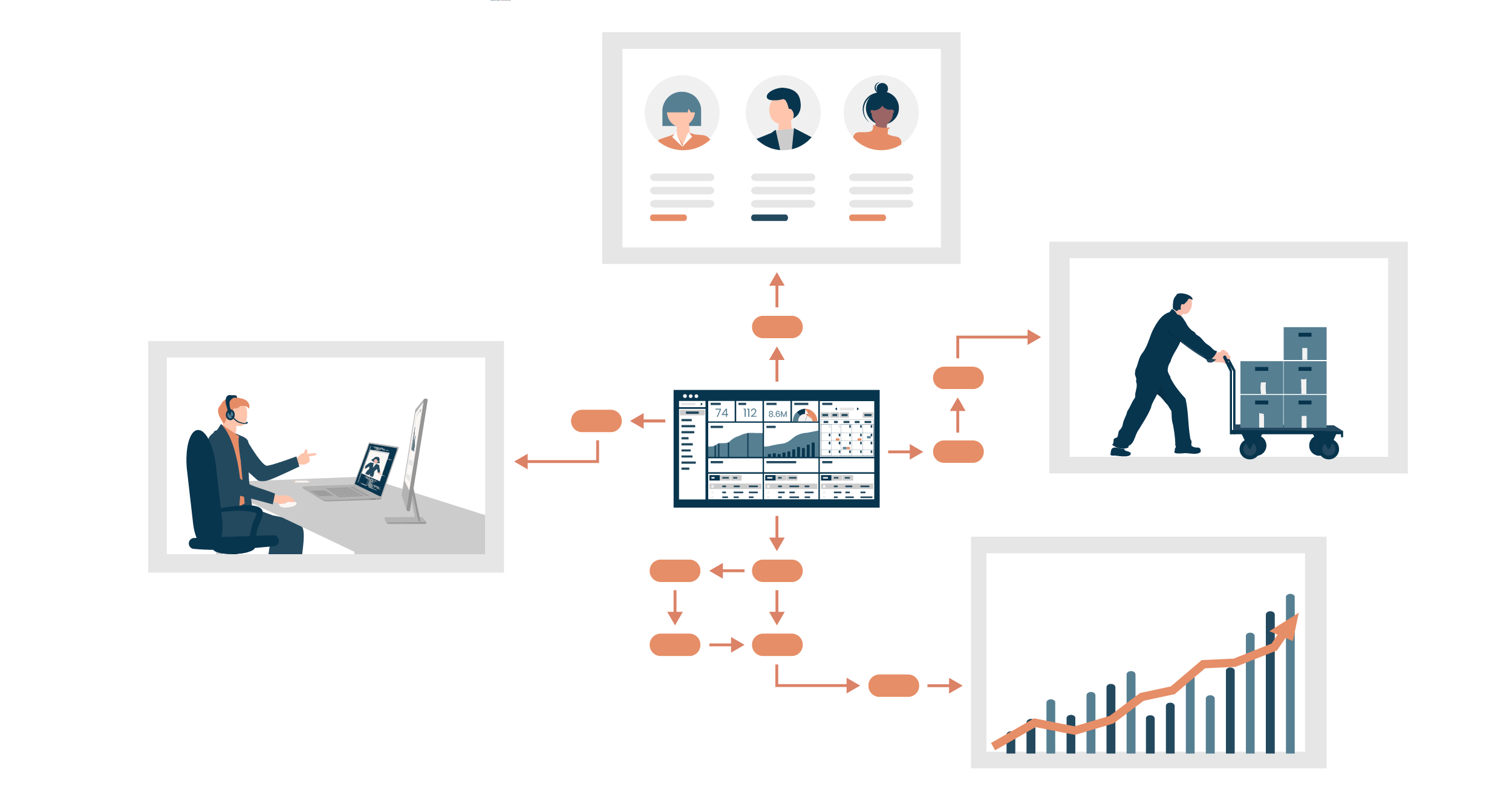
The app aggregates sales data from various sources, such as CRM systems, ERP platforms, and other relevant databases, providing a centralized view of sales performance.
Visualization and Reporting:
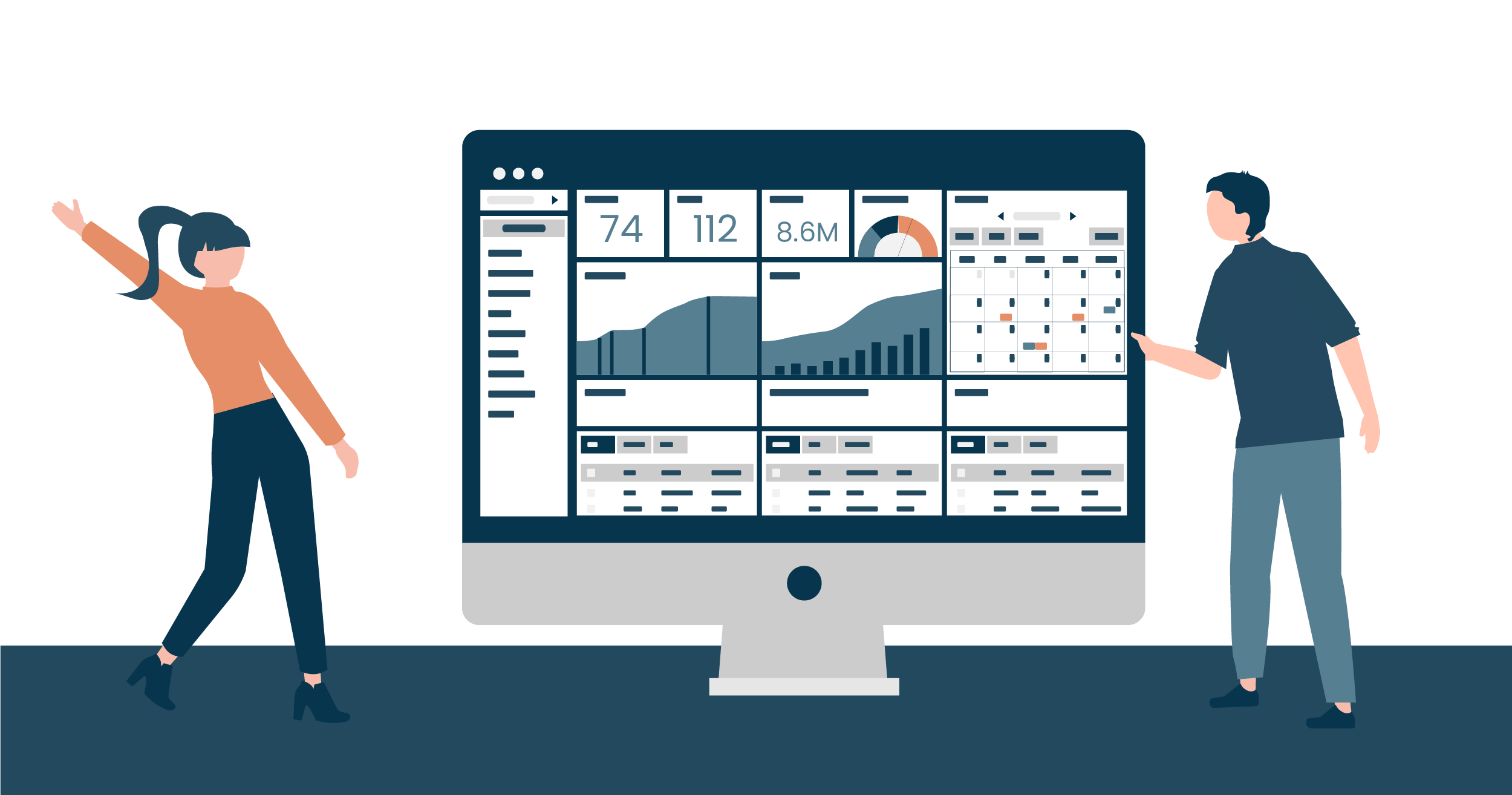
It visualizes sales data through interactive charts, graphs, and tables. Users can generate detailed reports, allowing them to analyze trends and make informed decisions.
Custom Reporting:
Users can create custom reports by specifying parameters such as date ranges, product categories, or customer segments. This flexibility ensures that the app caters to the specific analytical needs of different users.
Predictive Analytics:
The app utilizes predictive analytics to forecast future sales trends. This helps businesses anticipate demand, optimize inventory, and make proactive decisions.
AI-Driven Recommendations:
AI features provide personalized recommendations based on sales data. For instance, suggesting products based on customer preferences or identifying cross-selling opportunities.
Who It’s For:

Sales Managers:
Sales managers can use the app to track team performance, set realistic targets, and identify areas for improvement. They gain a comprehensive overview of the sales pipeline and individual contributions.
Sales Representatives:
Individual sales representatives can leverage the app to monitor their sales activities, track progress against targets, and identify potential leads for upselling or cross-selling.
Executives and Decision-Makers:
Executives and decision-makers benefit from high-level insights provided by the app. It assists in strategic planning, resource allocation, and overall business optimization.
Marketing Teams:
Marketing teams can align their strategies with sales insights, ensuring that promotional efforts are targeted towards products or customer segments that show high potential for revenue generation.
Benefits:

Improved Decision-Making:
By providing accurate and timely insights, the app empowers decision-makers to make informed and strategic choices, leading to improved business outcomes.
Time and Cost Savings:
Automation of the reporting process saves time and reduces the risk of errors associated with manual data compilation. This efficiency contributes to cost savings for the organization.
Increased Sales Effectiveness:
Sales teams can optimize their efforts based on data-driven insights, focusing on high-potential leads and tailoring their approach to meet customer needs.
Competitive Advantage:
The ability to analyze sales data in real-time and make proactive decisions provides a competitive advantage in a dynamic market environment.
Enhanced Customer Satisfaction:
AI-driven recommendations and personalized approaches can enhance the customer experience, leading to increased satisfaction and loyalty.
How to Build the app
Step 1: Define Requirements
- Identify Key Metrics: Create a list of the specific sales metrics you want to track, such as revenue, sales growth, conversion rates, customer acquisition cost, and any other key performance indicators (KPIs) relevant to your business.
2. User Stories:
- Write user stories to capture the end-to-end functionality of your app from the user’s perspective. For example:
“As a sales manager, I want to view monthly revenue trends.”
“As a sales representative, I want to filter sales data by product category.”
Step 2: Plan Your Data Model
- Data Sources: Identify the primary sources of your sales data. This could include CRM software (like Salesforce or HubSpot), ERP systems, databases, or even manual input from spreadsheets.
- Data Schema: Design a data schema that organizes the data logically. Define tables for entities like customers, products, sales transactions, and any other relevant entities. Specify the relationships between these entities.
Step 3: Choose a No-Code AI-Powered App Builder
- Research and Choose a Platform: Explore different no-code platforms and evaluate them based on factors such as ease of use, available features, scalability, and pricing.
- Understand Features: Dive into the specific features of the chosen platform, especially those related to data integration, visualization, and any AI capabilities they offer.
Step 4: Build Data Integration
- Connect Data Sources: Use the app builder’s integration tools to connect to your identified data sources. This may involve providing API keys, configuring database connections, or using built-in connectors.
- Data Mapping: Map the fields from your data sources to the app’s data model. Ensure that the data flows seamlessly into your app and is structured correctly.
Step 5: Design User Interface (UI)
- Dashboard Design: Create a visually appealing and intuitive dashboard. Place key metrics prominently, and consider using charts and graphs for easy comprehension.
- Data Visualization: Utilize the app builder’s visualization tools to add charts, graphs, and tables. Customize the visual elements to effectively communicate the sales data.
Step 6: Implement Functionality
- Report Generation: Implement a feature that allows users to generate custom reports. This could involve selecting a date range, specific products, or other relevant parameters.
- Filtering and Sorting: Enable users to filter and sort data dynamically. This gives them flexibility in analyzing the sales data according to their specific needs.
Step 7: Implement AI Features
- Predictive Analytics: If your platform supports it, integrate predictive analytics for sales forecasting. Train the model with historical data to make accurate predictions.
- Recommendations: Implement AI-driven recommendations based on sales patterns. For example, suggest upsells or cross-sells to maximize revenue.
Step 8: Testing
- User Testing: Conduct usability testing with potential users to ensure that the app is intuitive and meets their needs.
- Performance Testing: Test the app’s performance with various datasets to ensure it remains responsive and efficient.
Step 9: Deployment
- Publish the App: Use the app builder’s deployment tools to publish your web app. This might involve setting up a custom domain or using a subdomain provided by the platform.
- User Access: Implement user authentication and access controls. Define user roles and permissions to control who can view, edit, or generate reports.
Step 10: Iterate and Improve
- Gather Feedback: Encourage users to provide feedback. Use surveys or direct communication to understand their experience and identify areas for improvement.
- Iterate and Update: Based on user feedback, iterate on your app. This may involve adding new features, improving existing ones, or fixing any issues that arise.
Step 11: Maintenance
- Monitor and Update: Regularly monitor the app’s performance and check for updates from the app builder. Update your app to accommodate any changes in data sources or business requirements.
- Security: Pay attention to the security features of your chosen app builder. Ensure that your app and data are secure, and update security settings as needed.
By following these detailed steps, you can systematically build, deploy, and maintain your Sales Analytics and Reporting App using a no-code AI-powered app builder. Remember that the specific steps and features available may vary depending on the no-code platform you choose. Always refer to the platform’s documentation for detailed guidance.
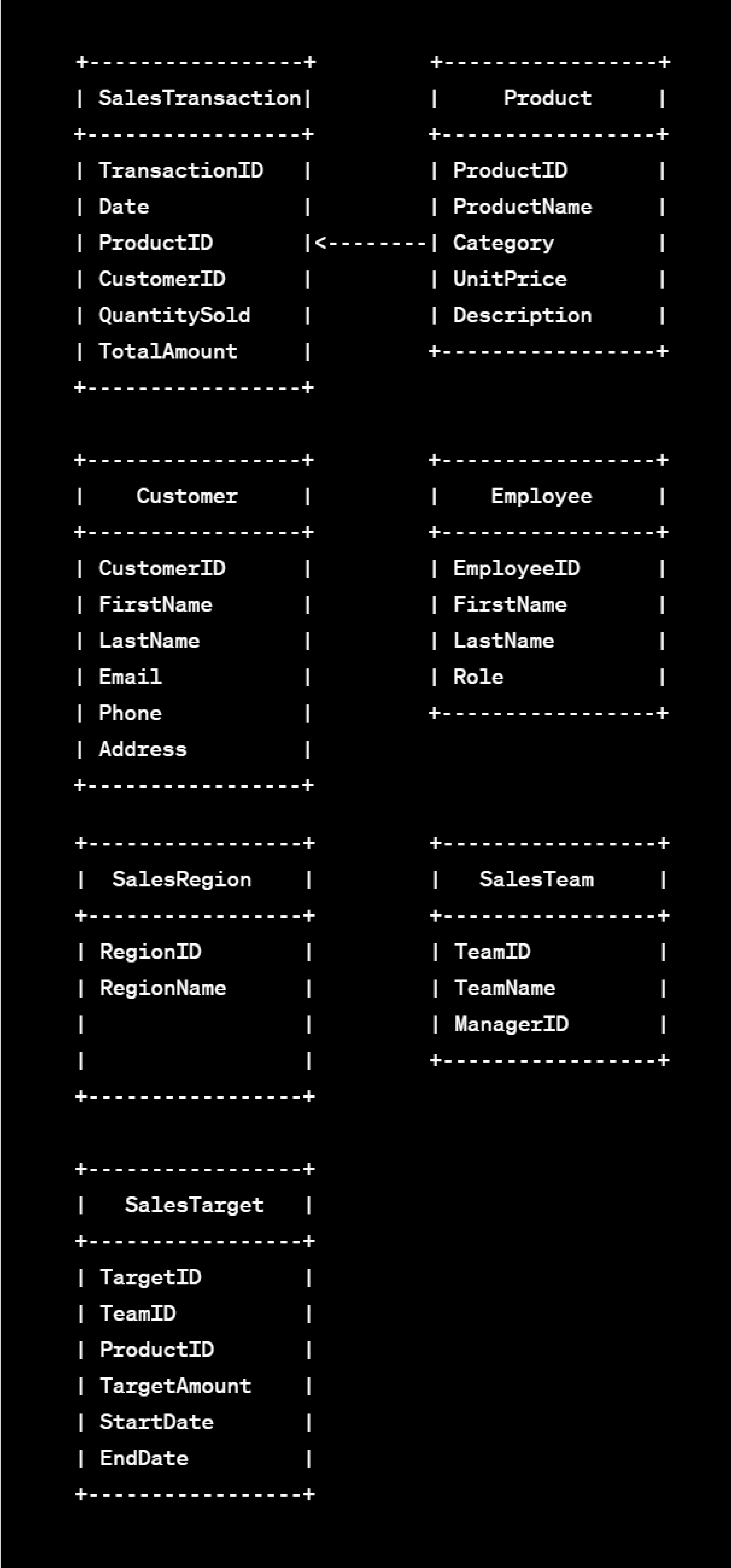
Sample Data Model:
Sales Transaction:
Attributes:
- Transaction ID (Primary Key)
- Date
- Product ID (Foreign Key referencing Product entity)
- Customer ID (Foreign Key referencing Customer entity)
- Quantity Sold
- Total Amount
Product:
Attributes:
- Product ID (Primary Key)
- Product Name
- Category
- Unit Price
- Description
Customer:
Attributes:
- Customer ID (Primary Key)
- First Name
- Last Name
- Phone
- Address
Employee:
Attributes:
- Employee ID (Primary Key)
- First Name
- Last Name
- Role (e.g., Sales Representative, Manager)
Sales Region:
Attributes:
- Region ID (Primary Key)
- Region Name
Sales Team:
Attributes:
- Team ID (Primary Key)
- Team Name
- Manager ID (Foreign Key referencing Employee entity)
Sales Target:
Attributes:
- Target ID (Primary Key)
- Team ID (Foreign Key referencing Sales Team entity)
- Product ID (Foreign Key referencing Product entity)
- Target Amount
- Start Date
- End Date
Relationships:
One-to-Many Relationship:
A Product can be associated with multiple Sales Transactions, but each Sales Transaction is related to only one Product.
One-to-Many Relationship:
A Customer can be associated with multiple Sales Transactions, but each Sales Transaction is related to only one Customer.
One-to-Many Relationship:
An Employee can be associated with multiple Sales Transactions, but each Sales Transaction is related to only one Employee.
One-to-Many Relationship:
A Sales Team can have multiple Employees, but each Employee belongs to only one Sales Team.
One-to-Many Relationship:
A Sales Target can have multiple Sales Transactions, but each Sales Transaction is associated with only one Sales Target.
Entity Relationship Diagram (ERD):
Here’s a simplified representation of the data model:
Conclusion
The Sales Analytics and Reporting App powered by AI and No-Code technology is not just a tool; it’s a catalyst for informed decision-making, operational efficiency, and sustainable growth by offering efficiency, customization, and actionable insights to various stakeholders within the organization. As businesses embrace this fusion of technology and strategy, they position themselves at the forefront of a dynamic and competitive market, ready to navigate the challenges and capitalize on the opportunities that lie ahead.
Planet Crust’s AI no-code app-builder Aire lets users create custom record-based apps for healthcare directly from AI prompts Users can further customize the AI build with easy-to-use no-code tools, access pre-built apps add connectors and deploy the app in their own instance. We’ll be launching Aire soon! Join the waiting list to get first access.
